Quick start · page 5 of 29
Quick start: a service in Elixir
In 30 seconds
- You need a GitHub account, a key for the agent, and GitHub Actions minutes.
- You do: make the repository from the template, add the key, and wait while Lay the foundation builds on your CI. Then give your look.
- You get DoneMark № 1, judged on its checks: a service has no screen to try.
Nothing exists yet, and you want a service: a program with no screen of its own, such as an API or a background worker. The template Service · Elixir gives you a repository DoneMark can read from its first commit, and a first ask already written and approved: Lay the foundation. DoneMark's agent builds it on your CI, and you judge it on its checks.
Before you start
- A GitHub account.
- A key for the agent: a Claude Code token, made with
claude setup-tokenin a terminal on a machine with a Claude subscription, or an API key from console.anthropic.com with credit on it. - GitHub Actions minutes. Each attempt runs on your CI, with your key.
The steps
- Sign in with GitHub and name your organisation.
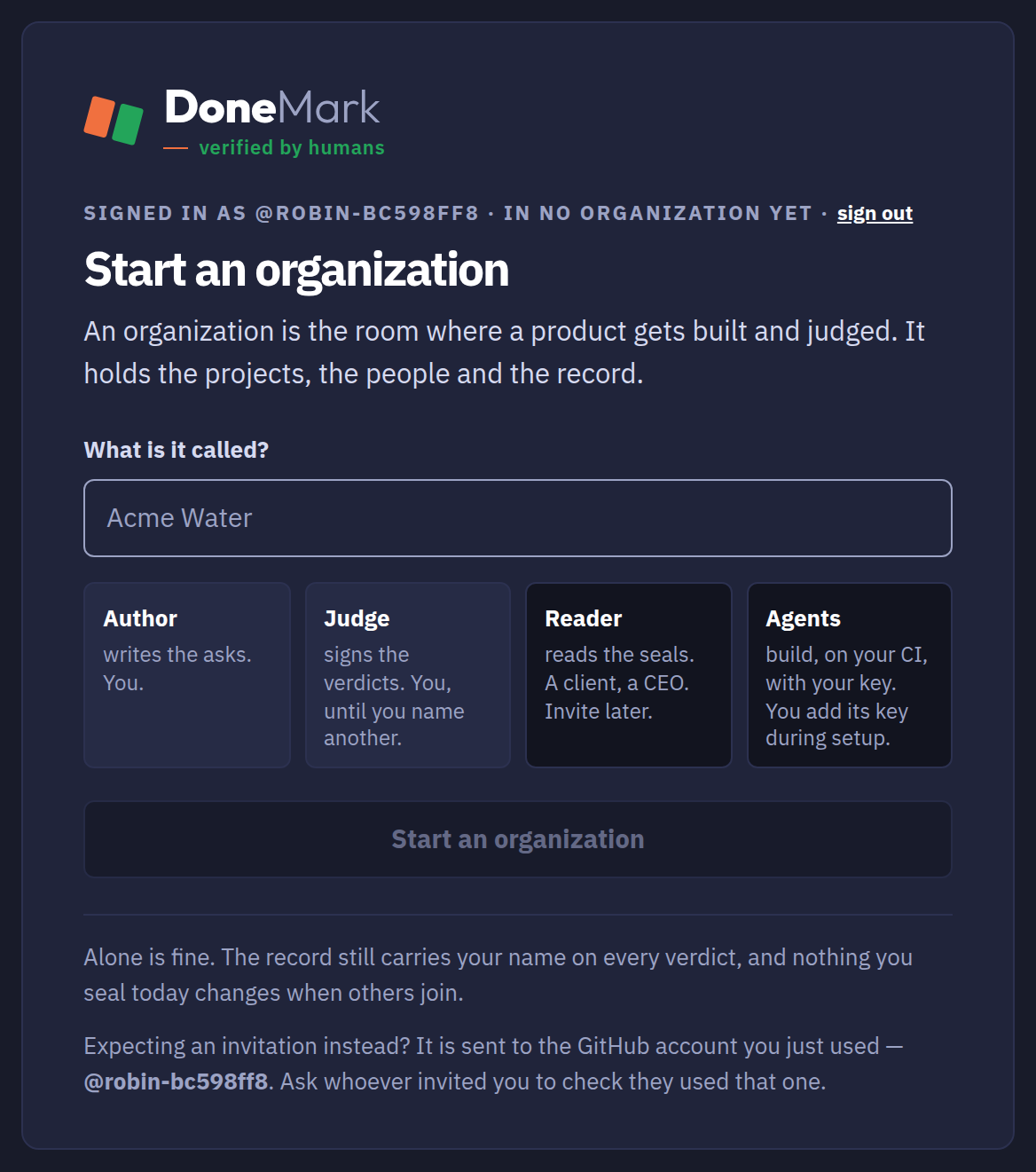
Start an organization: one name, and the four seats under it. - New project → A new app, from a template → Continue with a template, and choose Service · Elixir.
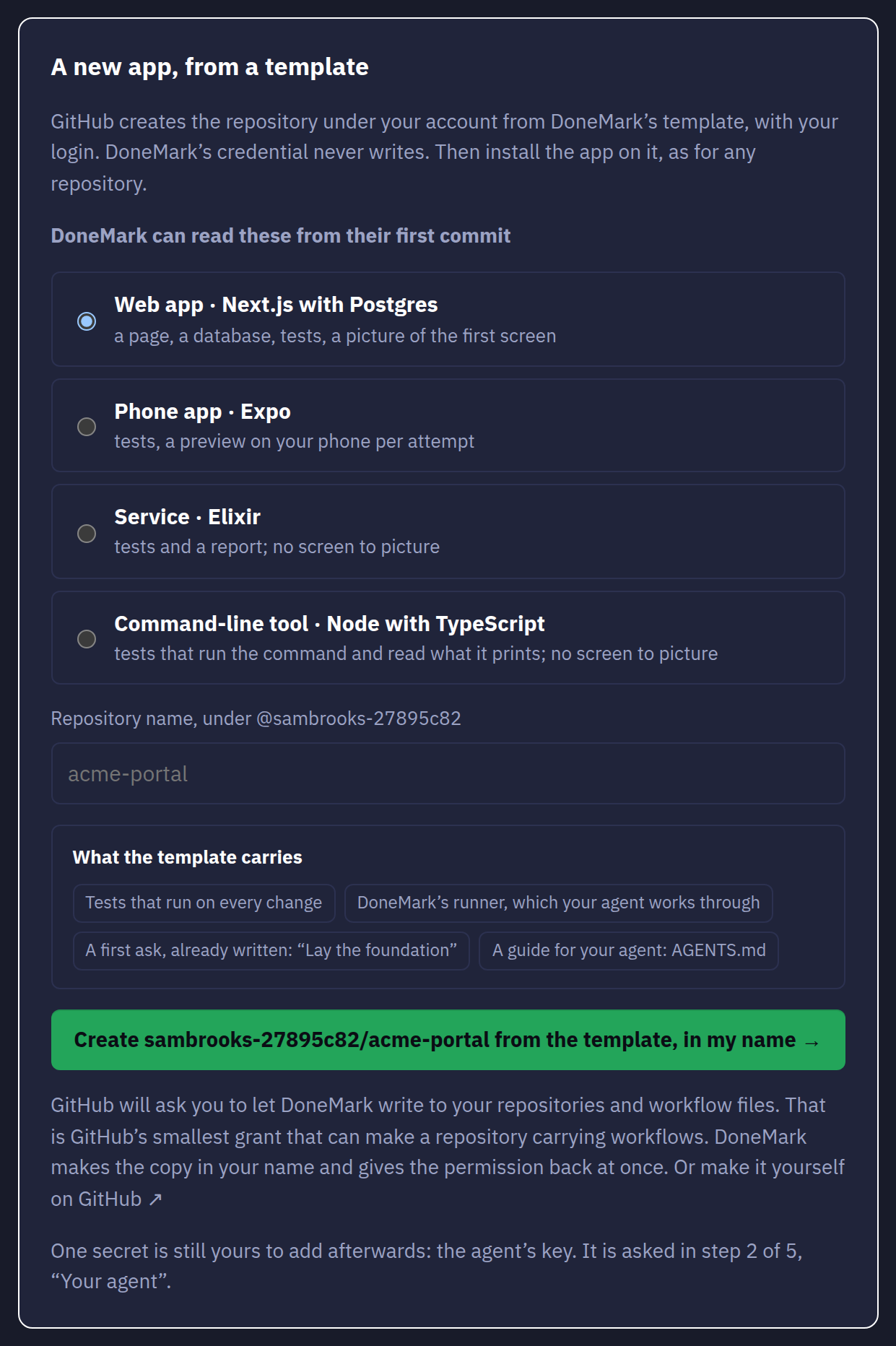
The templates; the button under them makes the repository from the template, in your name. - Make the repository. Press Create owner/name from the template, in my name →, or make it yourself on GitHub. The copy is yours, under your account. If the page asks, give DoneMark witness the new repository.
- Add the agent's key. Paste it and press Seal it and store it on GitHub, in my name →: your browser seals it before it leaves the page, and GitHub keeps it as a secret of your repository. DoneMark records its name, never its value. Then press Test the key.

Your agent’s key, as your runner answered when it was tested. - Wait for the first build. Lay the foundation builds by itself once the test run passes.
- Give your look. When the evidence has settled, the page opens and DoneMark emails you. A service has no screen to photograph, so each done when line is shown by its check alone: the check report your CI published, test by test, seen to pass or fail on the attempt's own commit. Read each line beside its check, then press Looks right or Not quite, with a reason.
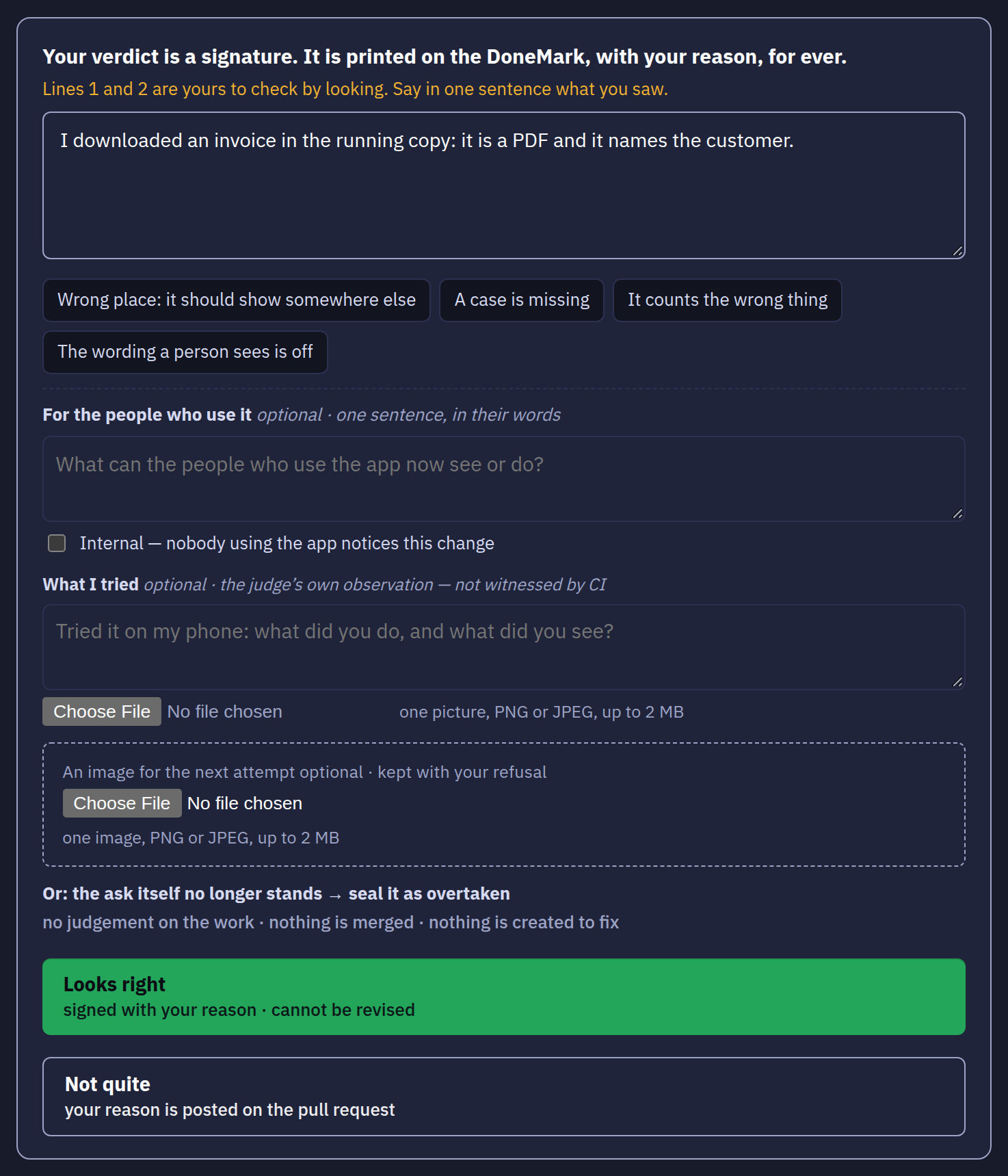
A reason in your own words, then Looks right or Not quite. - Seal the one and merge it into main, on its release. It is the project's first sealed record, DoneMark № 1. A service with nowhere to go live ends at the merge, and the page says Merged, never Live. Once the project says where it runs, under How does it go live? → Where it runs, the same button puts it live.
Good to know
- Write each done when line so a test can show it: a request and the answer it gets, a job and what it leaves behind. A line no check can show waits for your look alone.
- What the agent chooses inside the stack, such as which libraries, is written as its own claim and shown beside the evidence, never inside it.
Next
- Start a new app, in full.
- What your CI must publish: the check report DoneMark reads.
- The loop, step by step: every ask after the first.