Quick start · page 4 of 29
Quick start: a phone app with Expo
In 30 seconds
- You need a GitHub account, a key for the agent, GitHub Actions minutes, an Expo account and an Android phone.
- You do: make the repository from the template, add the key, put the test app on your phone, and try each ask on it before you give your look.
- You get DoneMark № 1, tried on your own phone.
Nothing exists yet, and you want a phone app. The template Phone app · Expo gives you a repository DoneMark can read from its first commit, and a first ask already written and approved: Lay the foundation. DoneMark's agent builds it on your CI, and you try each ask on your own phone before you judge it. Android only for now.
Before you start
- A GitHub account.
- A key for the agent: a Claude Code token, made with
claude setup-tokenin a terminal on a machine with a Claude subscription, or an API key from console.anthropic.com with credit on it. - GitHub Actions minutes. Each attempt runs on your CI, with your key.
- A free Expo account and an Expo access token, to try the app on your phone.
- An Android phone.
The steps
- Sign in with GitHub and name your organisation.
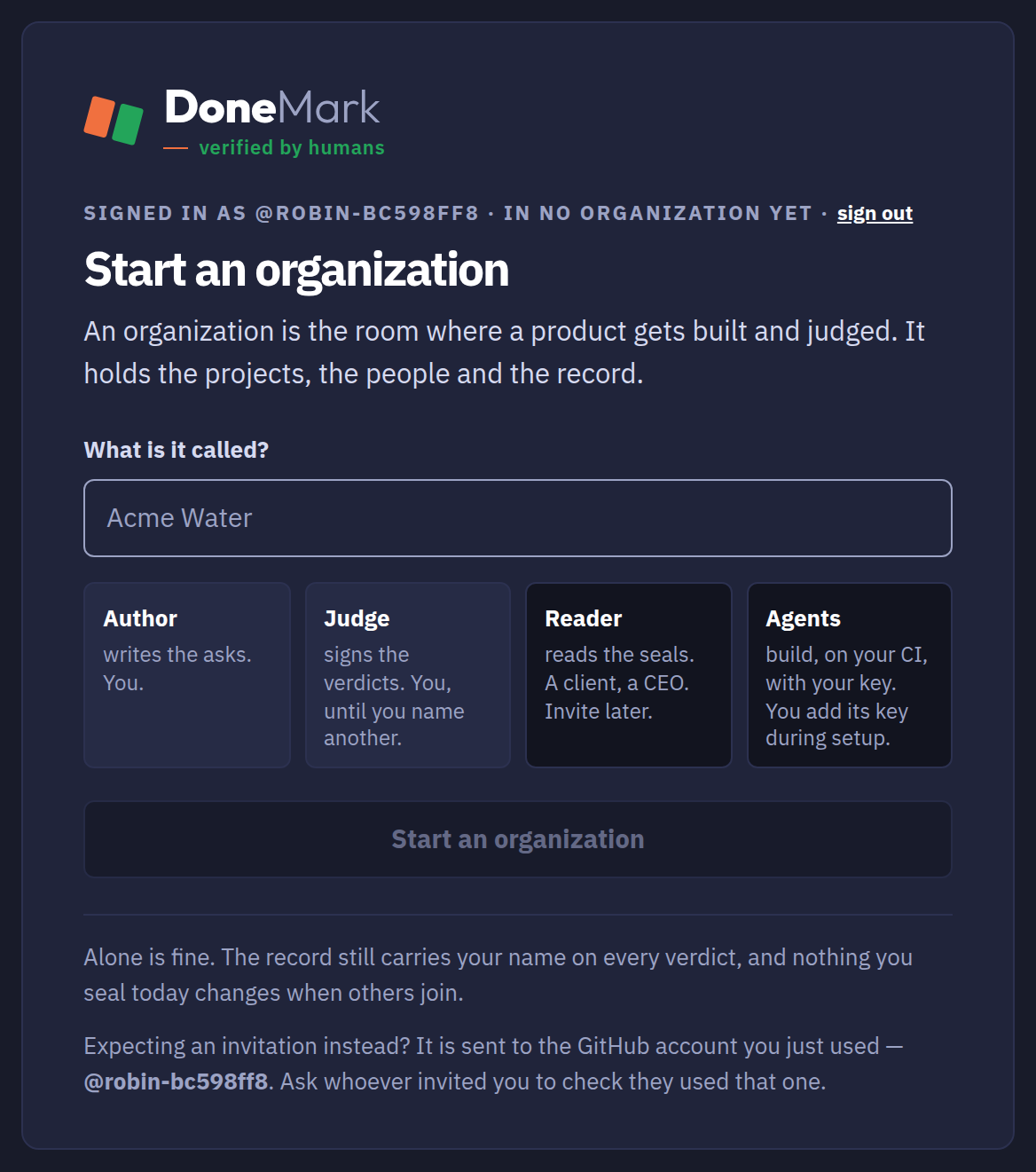
Start an organization: one name, and the four seats under it. - New project → A new app, from a template → Continue with a template, and choose Phone app · Expo.
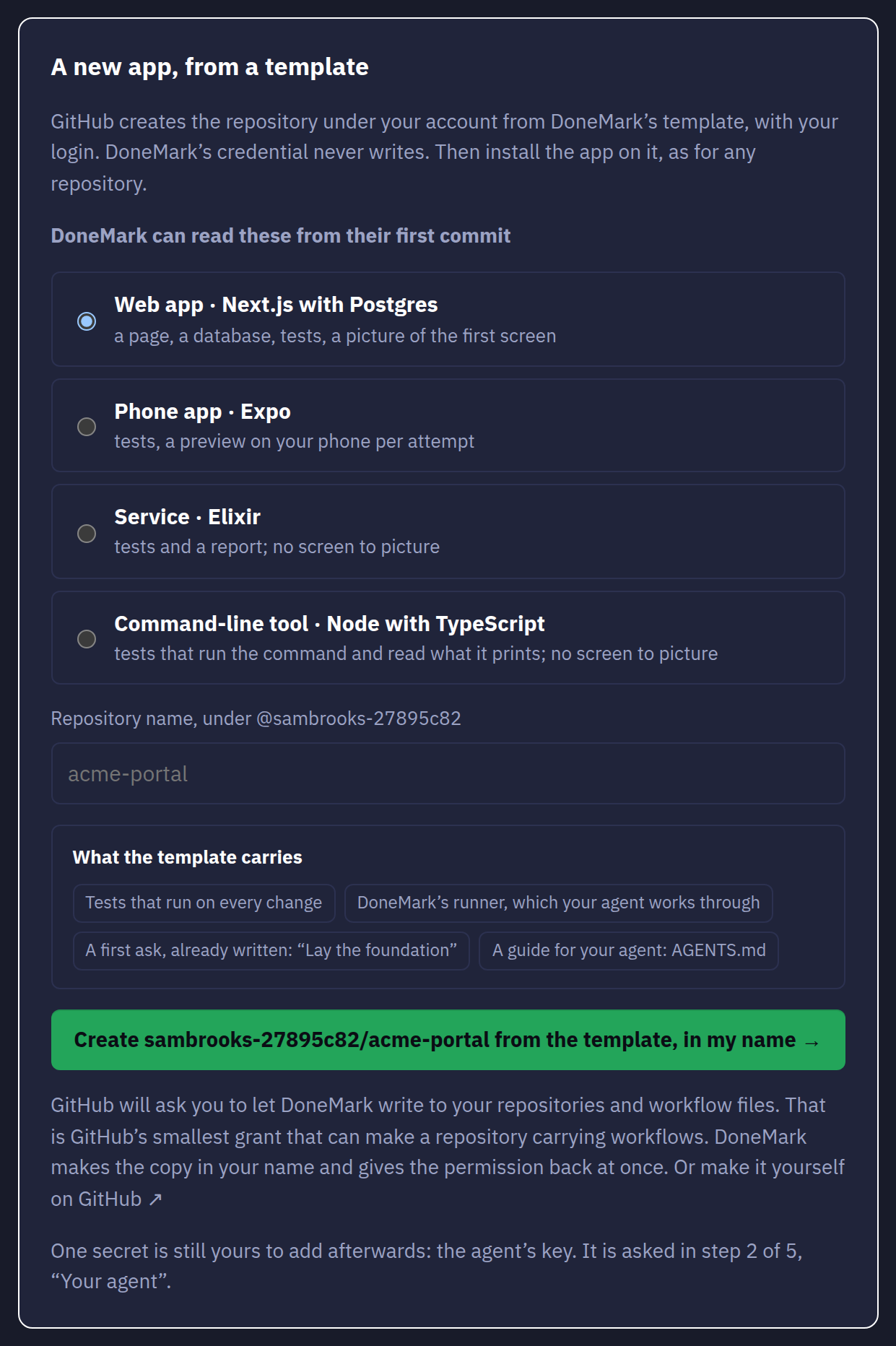
The templates; the button under them makes the repository from the template, in your name. - Make the repository. Press Create owner/name from the template, in my name →, or make it yourself on GitHub. The copy is yours, under your account. If the page asks, give DoneMark witness the new repository.
- Add the agent's key. Paste it and press Seal it and store it on GitHub, in my name →: your browser seals it before it leaves the page, and GitHub keeps it as a secret of your repository. DoneMark records its name, never its value. Then press Test the key.

Your agent’s key, as your runner answered when it was tested. - Get the test app on your phone, from the card Try it on your phone: - paste your Expo token; GitHub keeps it as the secret
EXPO_TOKEN; - merge the one pull request that adds DoneMark's phone pieces; - wait while the test app builds, 15 to 30 minutes; the card moves on by itself; - scan the install code with your phone's camera, install, and press I installed it. - Wait for the first build. Lay the foundation builds by itself once the test run passes.
- Try it, then give your look. When the evidence has settled, the page opens and DoneMark emails you. Scan the ask's QR code under Try it on your phone: the ask opens in your test app. Read each done when line beside what was seen, then press Looks right or Not quite, with a reason.
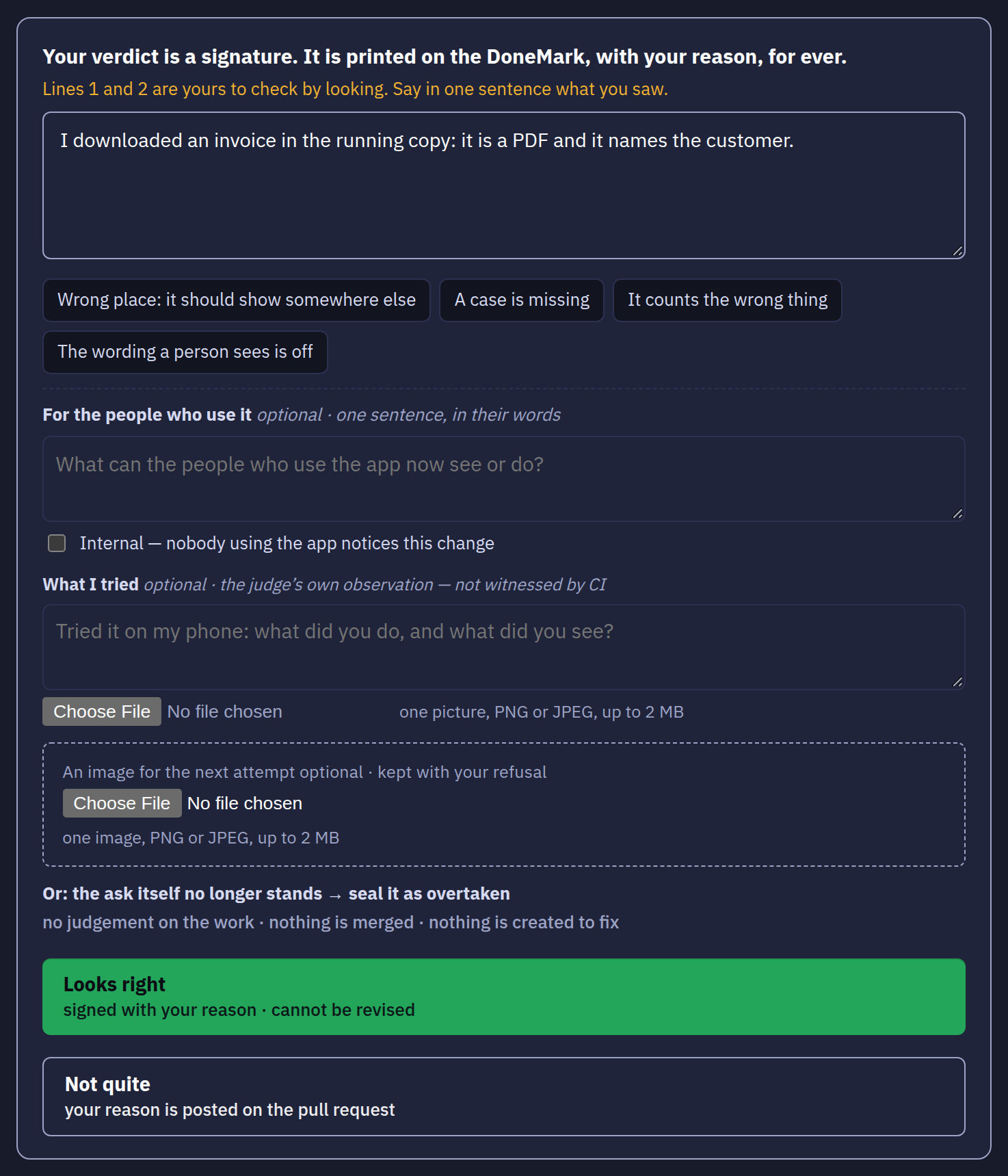
A reason in your own words, then Looks right or Not quite. - Seal the one and put it live, on its release. It is the project's first sealed record, DoneMark № 1.
Good to know
- Walk it on Android, a tick under an ask's done when lines, has your CI walk the lines a person can see on an Android emulator and photograph every step. It costs about five more minutes of CI per attempt.
- In DoneMark's previews, a thin strip at the bottom of every screen lists what went wrong in words. Share for my look copies the lines for your reason.
- An ask's QR code opens only inside the test app on your phone.
Next
- Trying a phone app, in full.
- Start a new app.
- The loop, step by step: every ask after the first.