You came here from the screen you left, and it is still open behind you. Back to the screen you left
Quick start · page 2 of 29
Quick start: new to DoneMark
In 30 seconds
- You need a GitHub account and an agent: a Claude subscription, an Anthropic API key or an OpenAI API key.
- You do: sign in, name your organisation, press New project, choose one of three doors, and say which agent builds it.
- You get your first look: a page where you say Looks right or Not quite.
Bring the agent you already pay for. DoneMark runs it against the lines you approve, your CI checks each line, and a person signs what ships. An agent's report of its own work is a claim: DoneMark puts the evidence your CI publishes beside each line of what was asked, and a person decides. It never runs your tests itself and never accepts anything on its own.
What you need
- A GitHub account. You sign in with it, and DoneMark reads your repositories through its GitHub App, DoneMark witness.
- Your agent. Claude Code with your Claude subscription (it costs nothing extra) or an Anthropic API key, or Codex with an OpenAI API key. The key is sealed in your browser and kept as a secret of your repository; DoneMark never sees it.
- Your GitHub Actions minutes. Each attempt runs on your CI, with your key.
The words you will meet
| Word | In one line |
|---|---|
| Ask | One thing you want built, in your words. |
| Done when | The lines an ask is judged by. They freeze once you approve it. |
| Release | A set of asks built together and put live in one merge. |
| Send it off | The one press that starts building a release. |
| Attempt | One go by the agent at one ask. |
| Your look | Your verdict on one ask: Looks right or Not quite. |
| Sealed · DoneMark № | The numbered record of an ask a person accepted. |
| Live | DoneMark saw your app answer at the merged commit. |
The steps
- Sign in with GitHub.
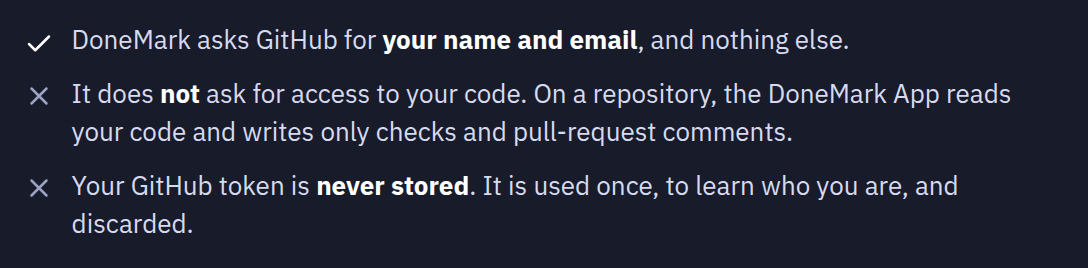
Signing in: DoneMark asks GitHub for your name and email, and nothing else. - Name your organisation. Under the name are four seats; the author and the judge are you. You are asked which hats you wear only once you invite someone: hats decide what comes first for you, never what you may do.
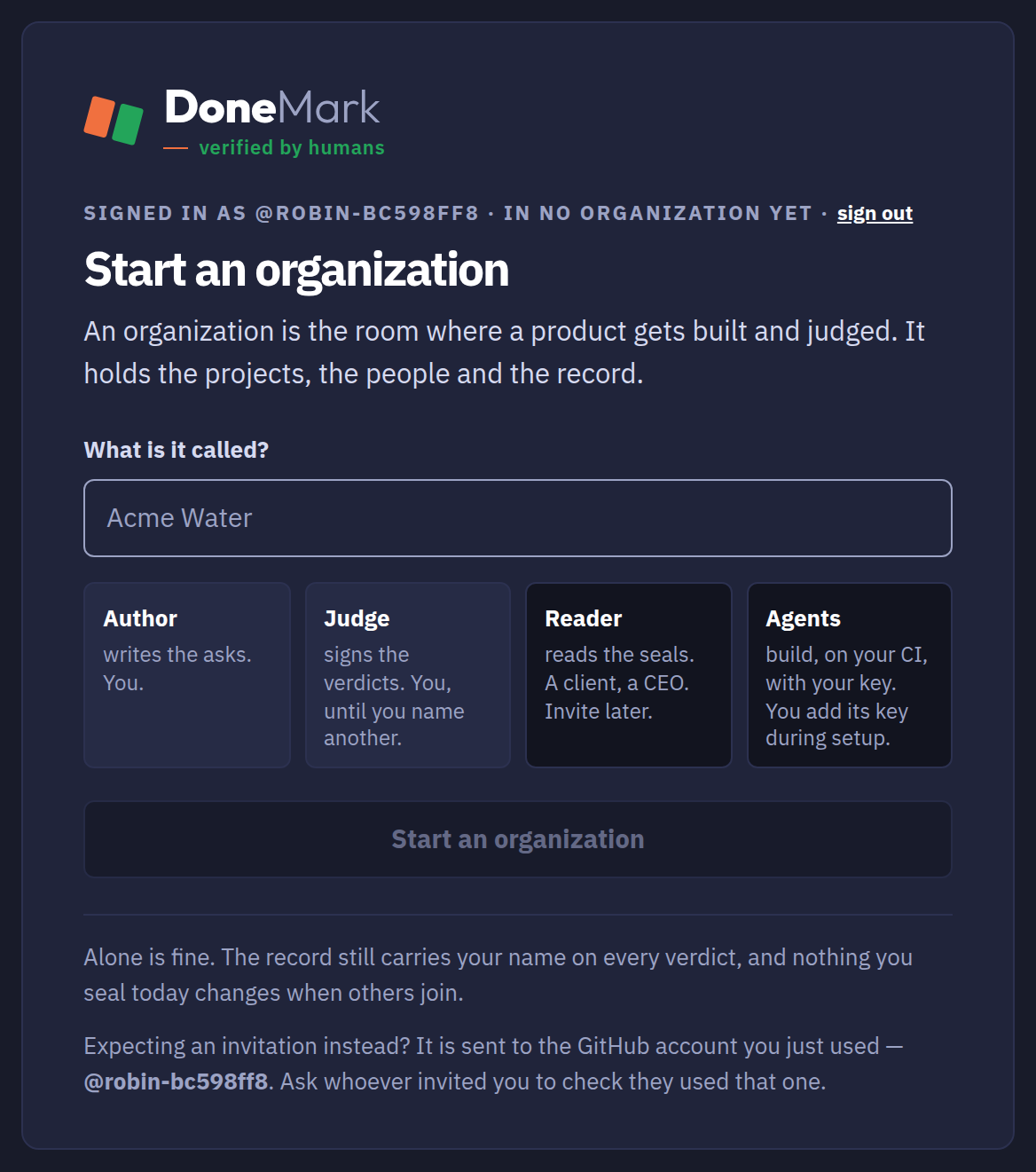
Start an organization: one name, and the four seats under it, the author and the judge being you. - Press New project and choose one of three doors: - An app that exists. You choose its repository on GitHub. The project's first screen asks which agent builds it, sets up DoneMark's runner and your key, and asks what should change next, in one sentence. See Your first hour. - A new app, from a template. DoneMark's agent builds it. See the quick start for your kind of app: a web app with Next.js, a phone app with Expo, a service in Elixir or, for a command-line tool in Node with TypeScript, Start a new app. - Brainstorm it first. Draw the app before there is any code. Once drawn, it needs what a new app needs.
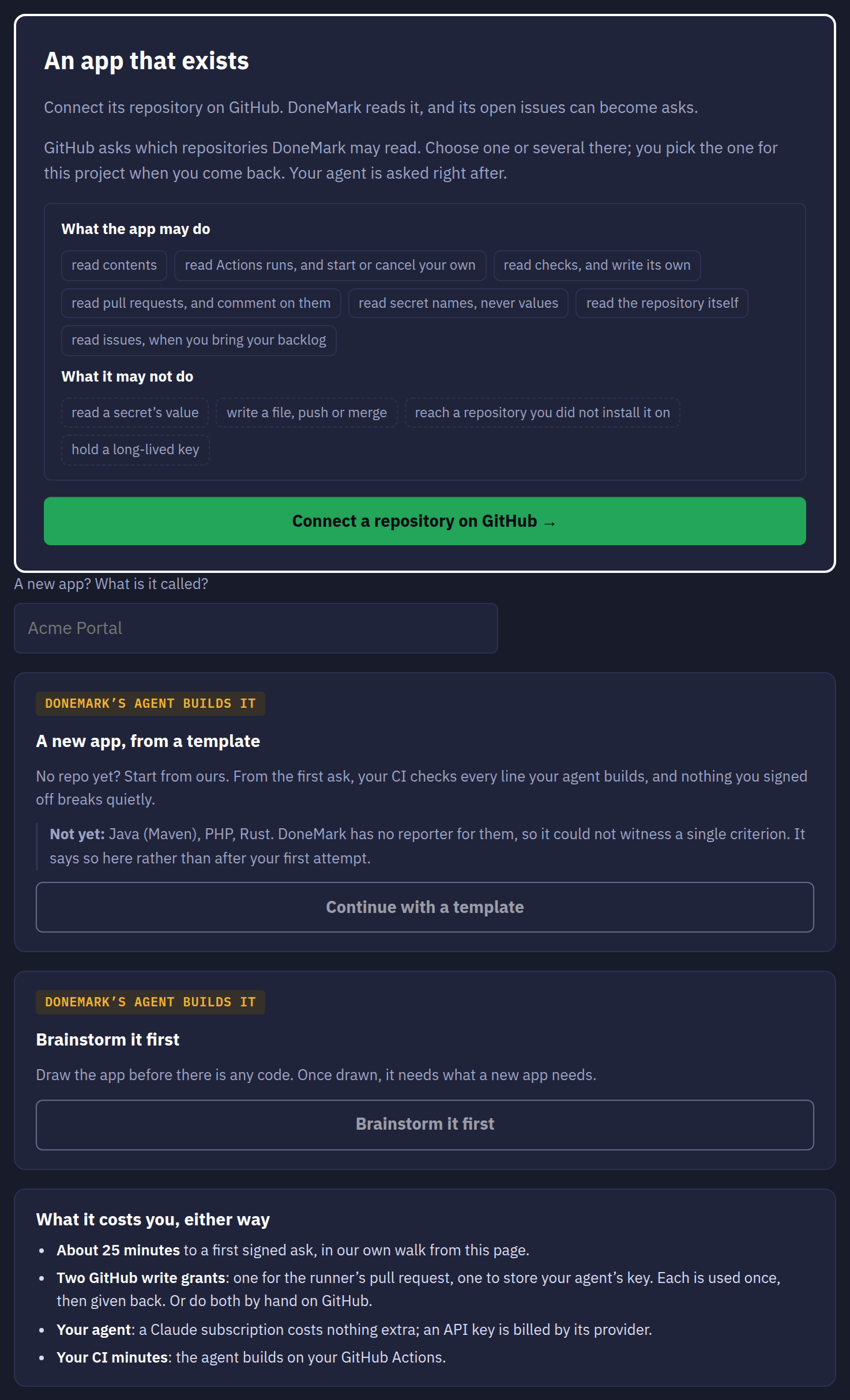
New project, and its three doors. - Give your first look. Whichever door you took, you end on a page that shows each done when line beside what was seen, and asks for Looks right or Not quite with a reason.
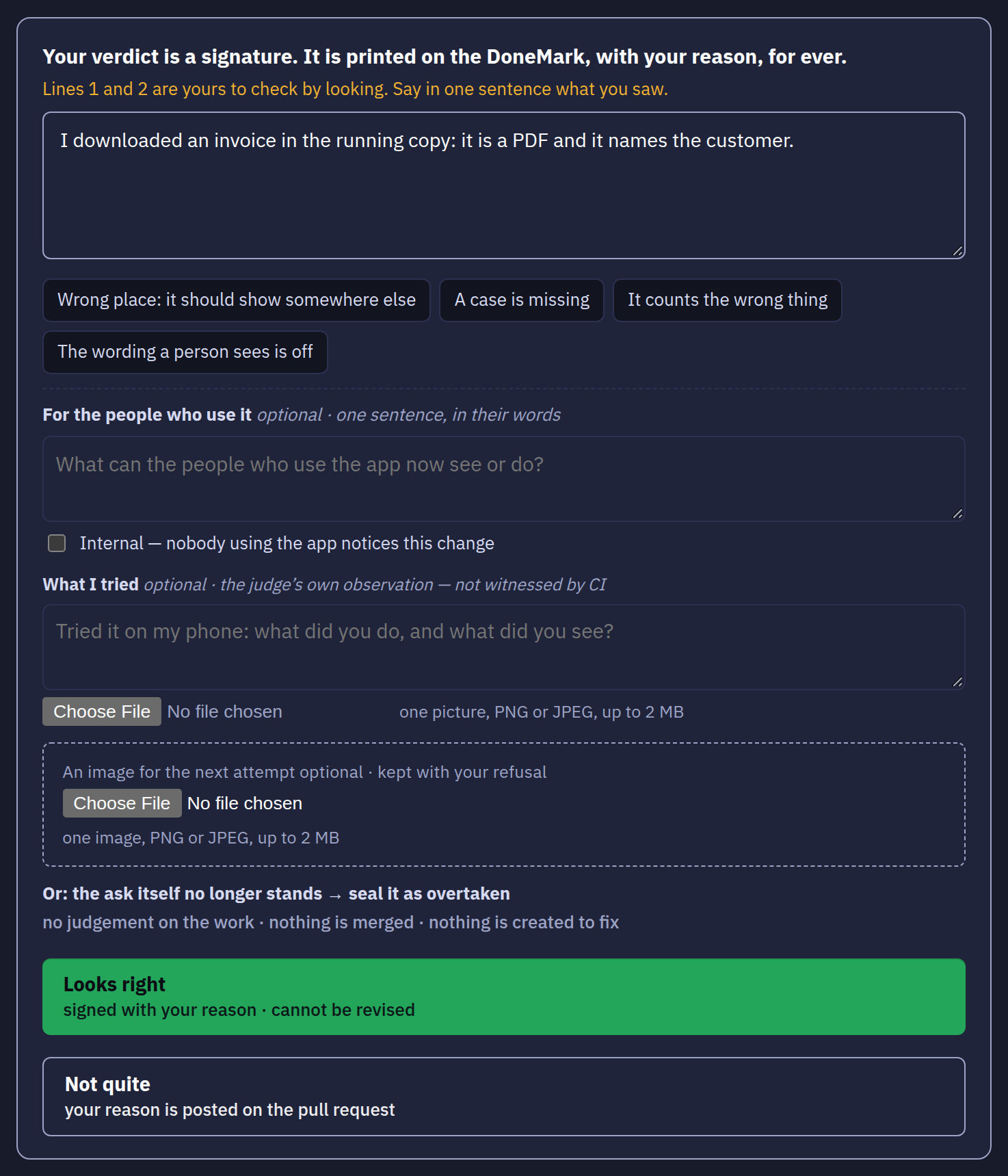
A reason in your own words, then Looks right or Not quite.
Next
- The whole picture, drawn once: How DoneMark works.
- The longer walk from sign-in to your first verdict: Your first hour.